Editorial team ·
Organize a two-voice transcript so the reader never loses the speaker
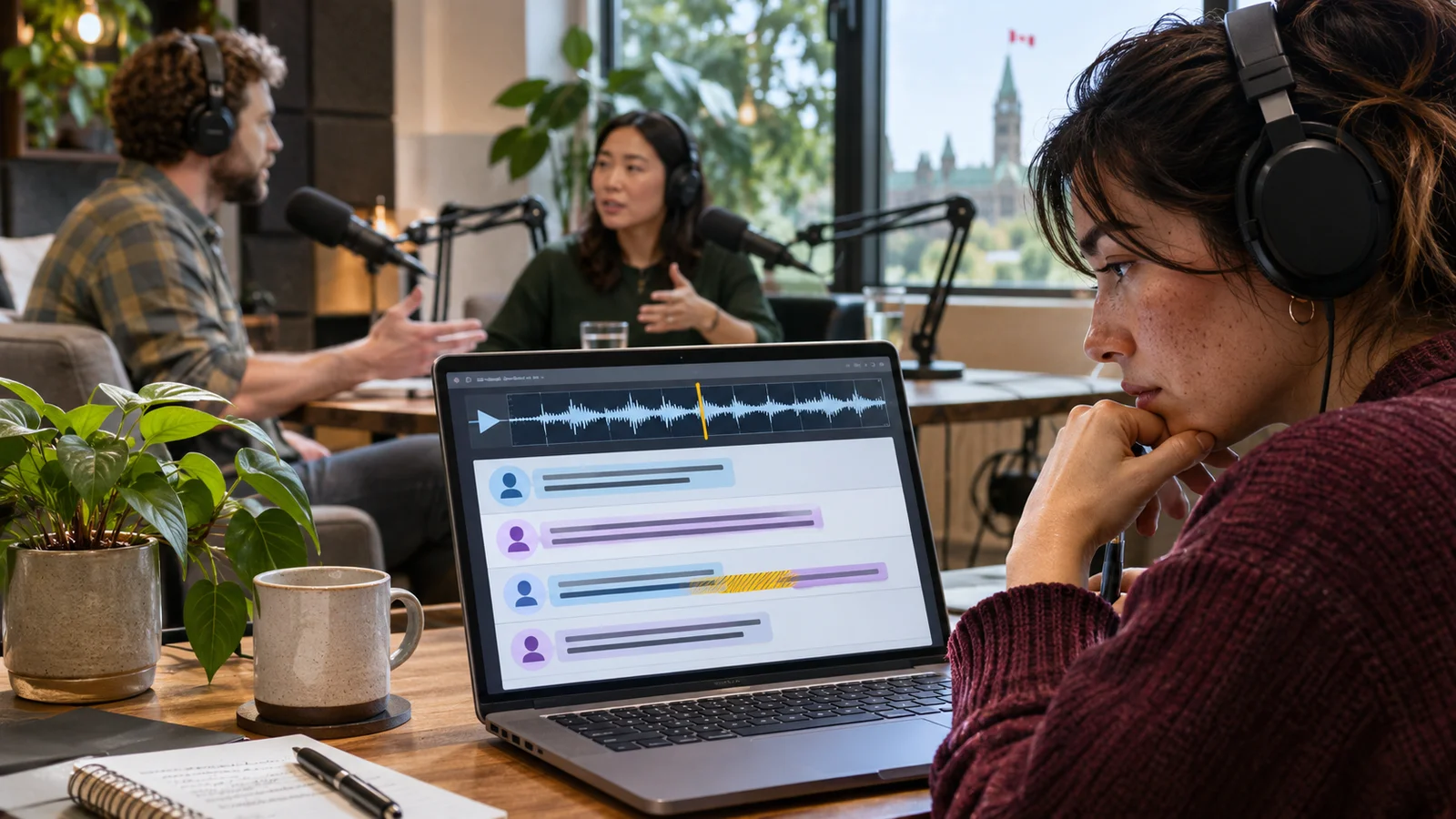
The host says “right” over the end of the guest’s sentence. An automatic transcript puts the next full thought under the host’s name. Read the text while listening to that part of the recording. A small speaker change can put a claim into the wrong person’s mouth.
Label the speakers and any important handoff
In the imaginary transcript, the host asks the question, the guest gives a figure, and a short host interjection sits between two guest clauses. Use names or clear role labels so the reader can trace the figure to the person who said it.
Add a time marker at a chapter or another useful restart point. For overlaps, mark the parts you can identify. If a word cannot be understood, flag it rather than guessing its meaning.
Include non-speech information that matters to the story. A change to a recorded clip or a sound the speakers discuss can need a short label. Background details that do not affect meaning can stay in the recording.
Check the transcript against the released cut rather than the rough recording. A moved sentence can shift its timestamp and the next speaker’s line.
| Time | Audio event | Transcript treatment |
|---|---|---|
| 02:10 | Host asks a question | Label HOST |
| 02:16 | Guest answers with a figure | Label GUEST and check the number |
| 02:22 | The voices briefly overlap | Mark the overlap if needed for meaning |
Check the difficult moments against the final audio
- Set consistent labels
- Identify both speakers at the start.
- Mark changes when they talk over each other.
- Check the transcript against the release
- Verify numbers, names and chapter times.
- Keep meaningful sounds or clip introductions in text.
Questions and answers
- Can I trust the automatic speaker labels?
- Use them as a draft, then check changes against the audio.
- Should every pause be described?
- Include sounds or pauses that affect meaning or help the reader understand what changed.
- What if a word stays unclear?
- Mark it as unclear and give a useful timestamp if the reader may need to find it.